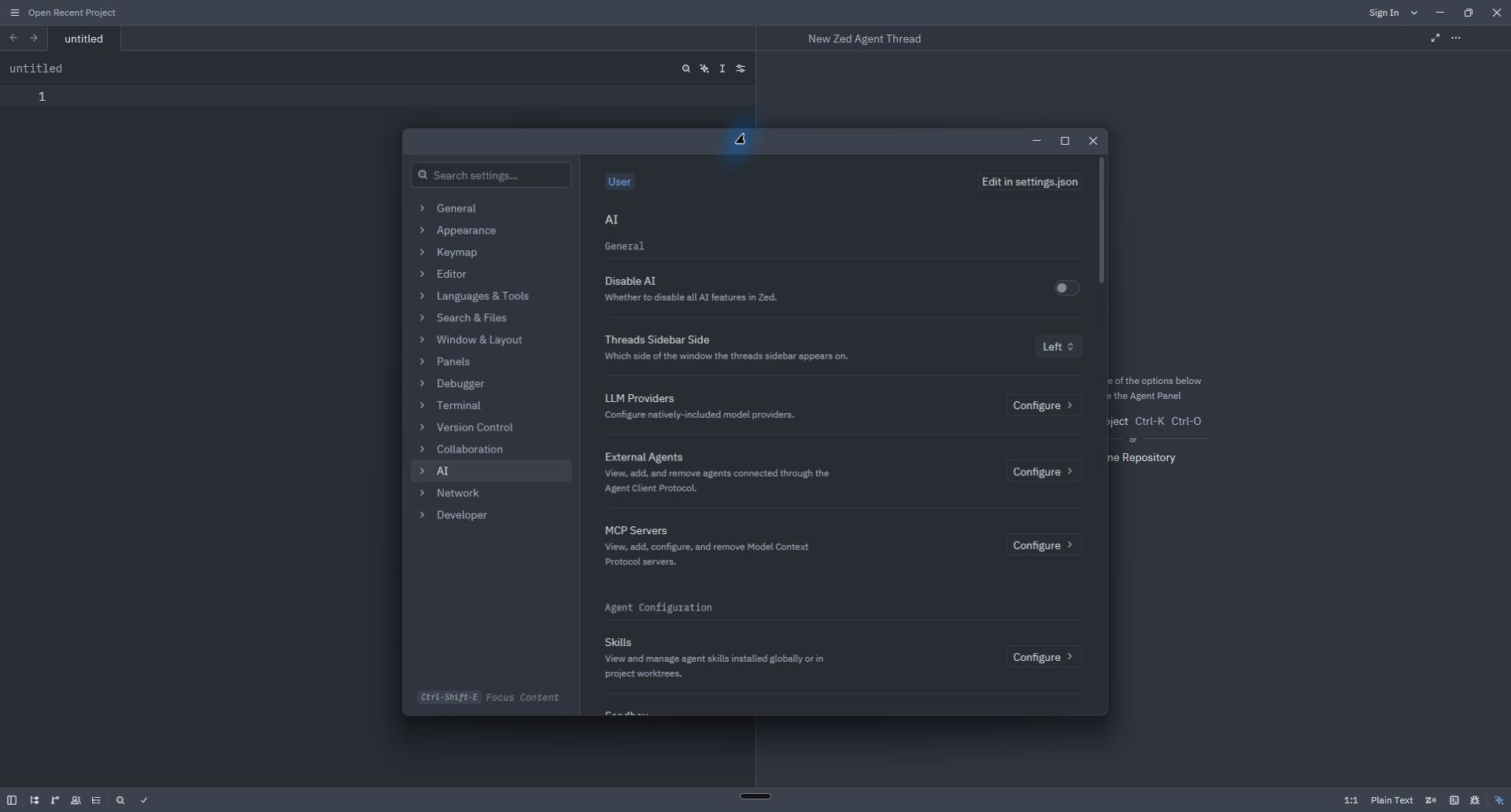
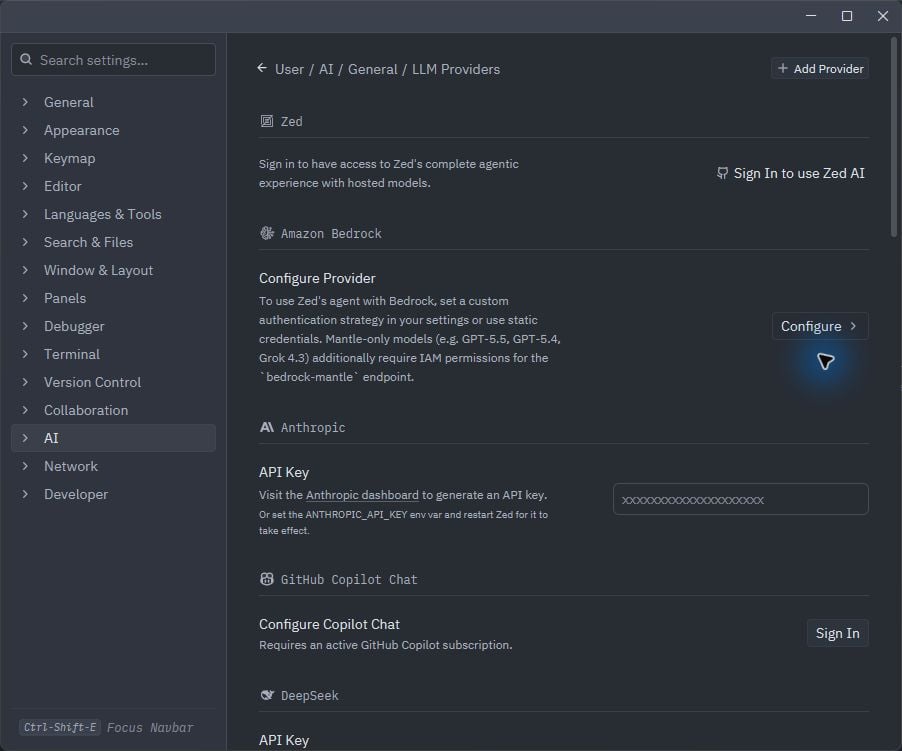
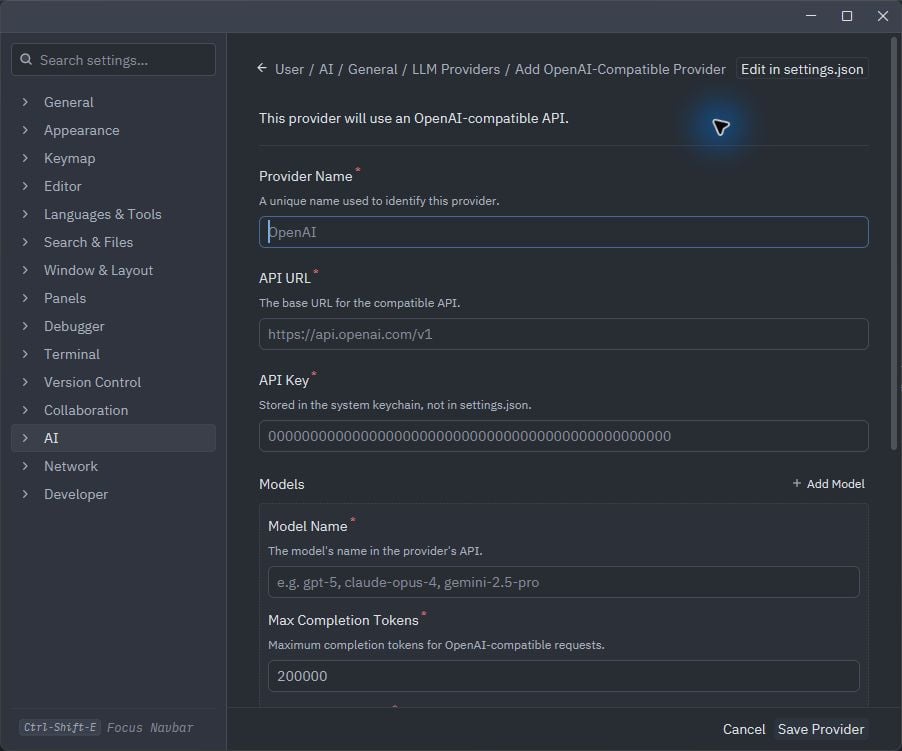
Add Phaseo as an OpenAI-compatible model provider in Zed.
Use the Phaseo CLI to add the provider and model to Zed, then save the key in Zed’s keychain. To skip the CLI, enter the same provider values manually.
Open a new Agent thread, select the Phaseo model, and send a short request. If Zed reports an invalid key, run phaseo integrations credential zed again and replace the key stored in Zed.
The CLI removes the Phaseo provider from settings.json and revokes its dedicated key. If Zed still shows the old keychain entry, remove Phaseo from LLM Providers as well.